
01 /
Import a PDF or EPUB
Choose a PDF or EPUB in Files.
- Save it to your device.
- In NovaReader, tap Import.
Local file, local reading.
02 /
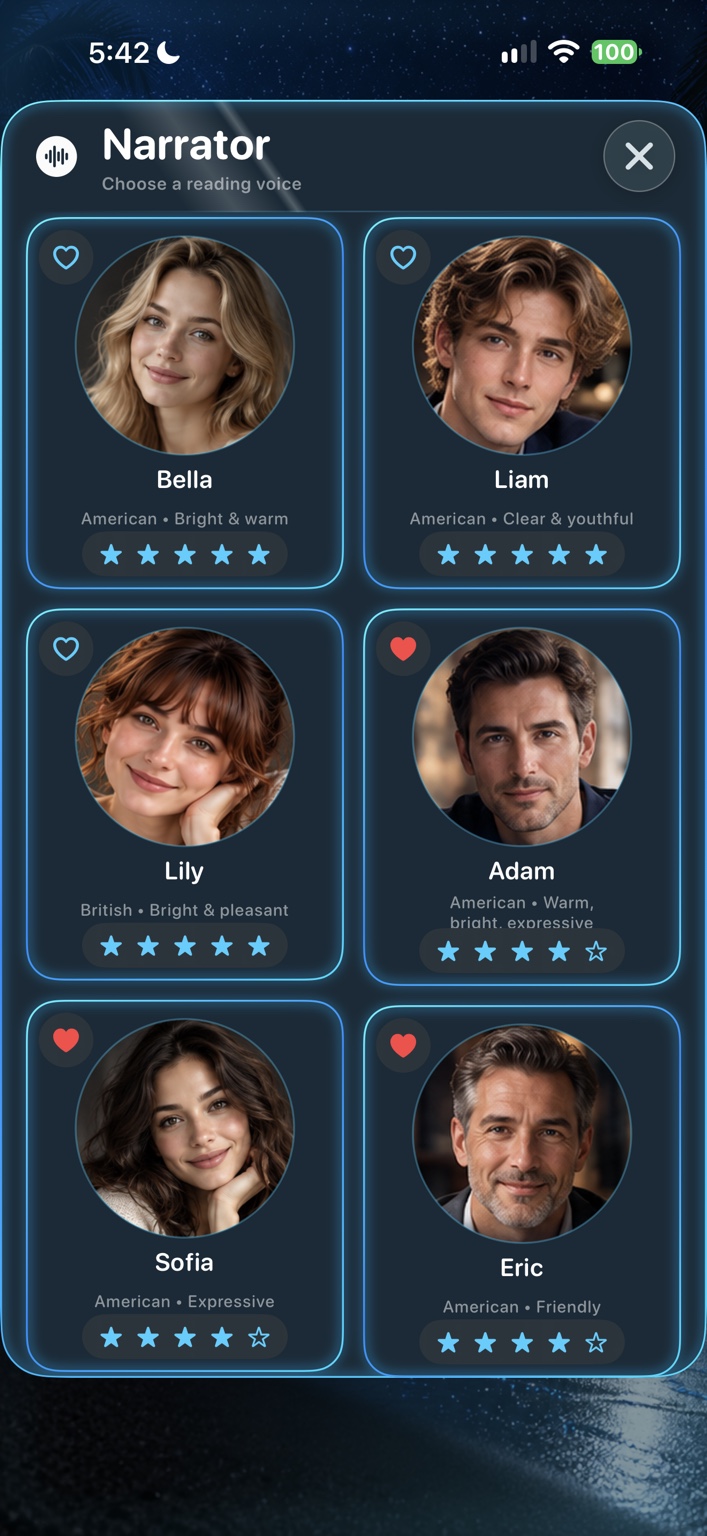
Choose a voice and pace
- Play a voice preview and select a narrator.
- Adjust playback speed while listening.
03 /
Read or listen
- Choose a page or chapter.
- Tap any passage to begin.
04 /
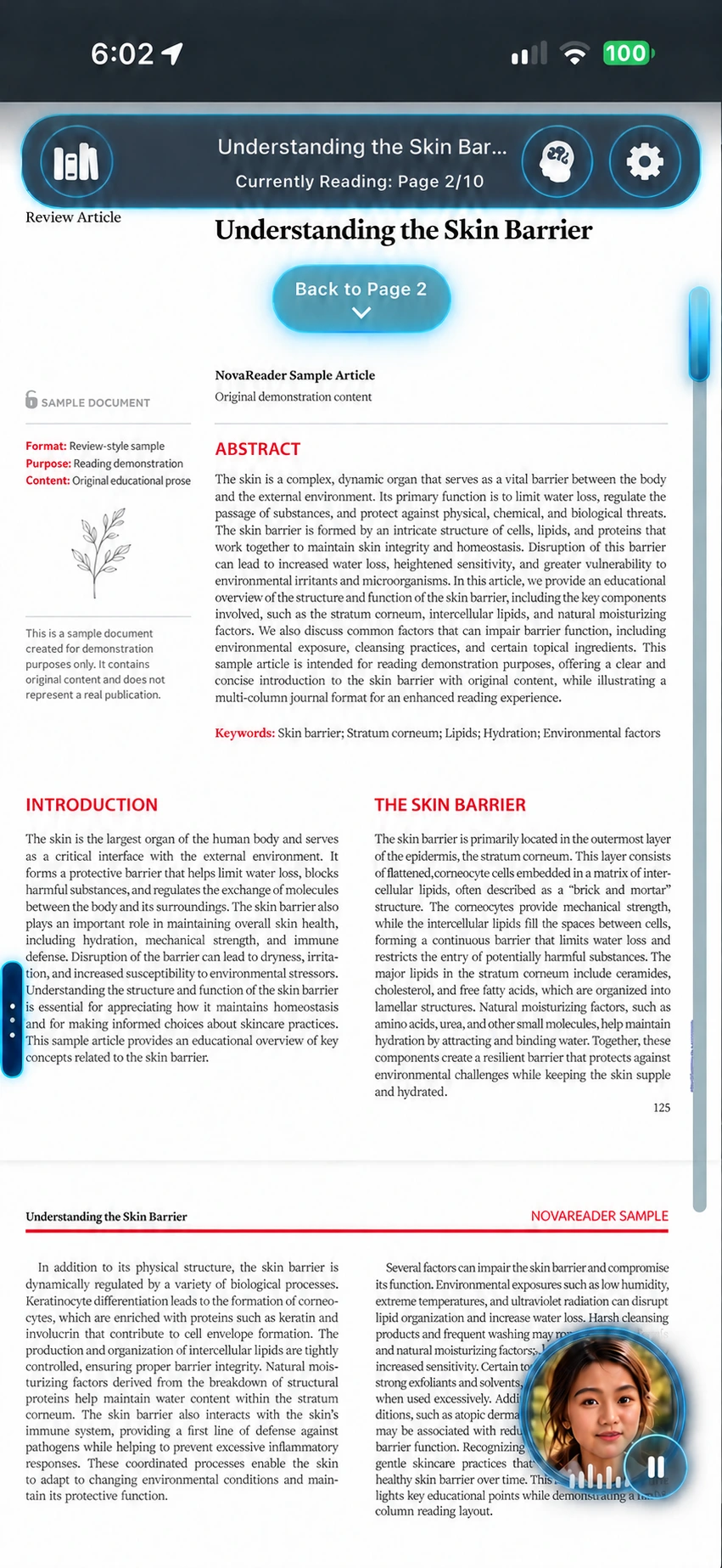
Listen to a journal
- Choose journal reading if available.
- Check columns, tables, and figures.
Keep the source close.
06 /
Listen offline
- Import while connected.
- Test playback.
- Try it in Airplane Mode.
Ready before you go.
07 /
Troubleshoot a document
- Import fails: check the format, download, and file access.
- Missing words: note the page; scans or layouts may affect extraction.
- Journal order: check the mode and affected page.
- Summary issue: compare it with the source.
- No sound: check volume and output.
Create a local Support report; share it with your testing contact.